Gibby
July 8, 2026, 5:21am
1
Imported from Discord — originally posted by Selcouth on 21 November 2025.Discord
I just bought the Mini-KVM and video capture works just fine, but the icon for KB/M is lit up red and is not working with any cables I try.
Staff: please reply here. When resolved, consider linking back on Discord to drive users to the forum.
Gibby
July 8, 2026, 5:21am
2
Originally posted by Virtual-Potato on Discord, 21 November 2025.
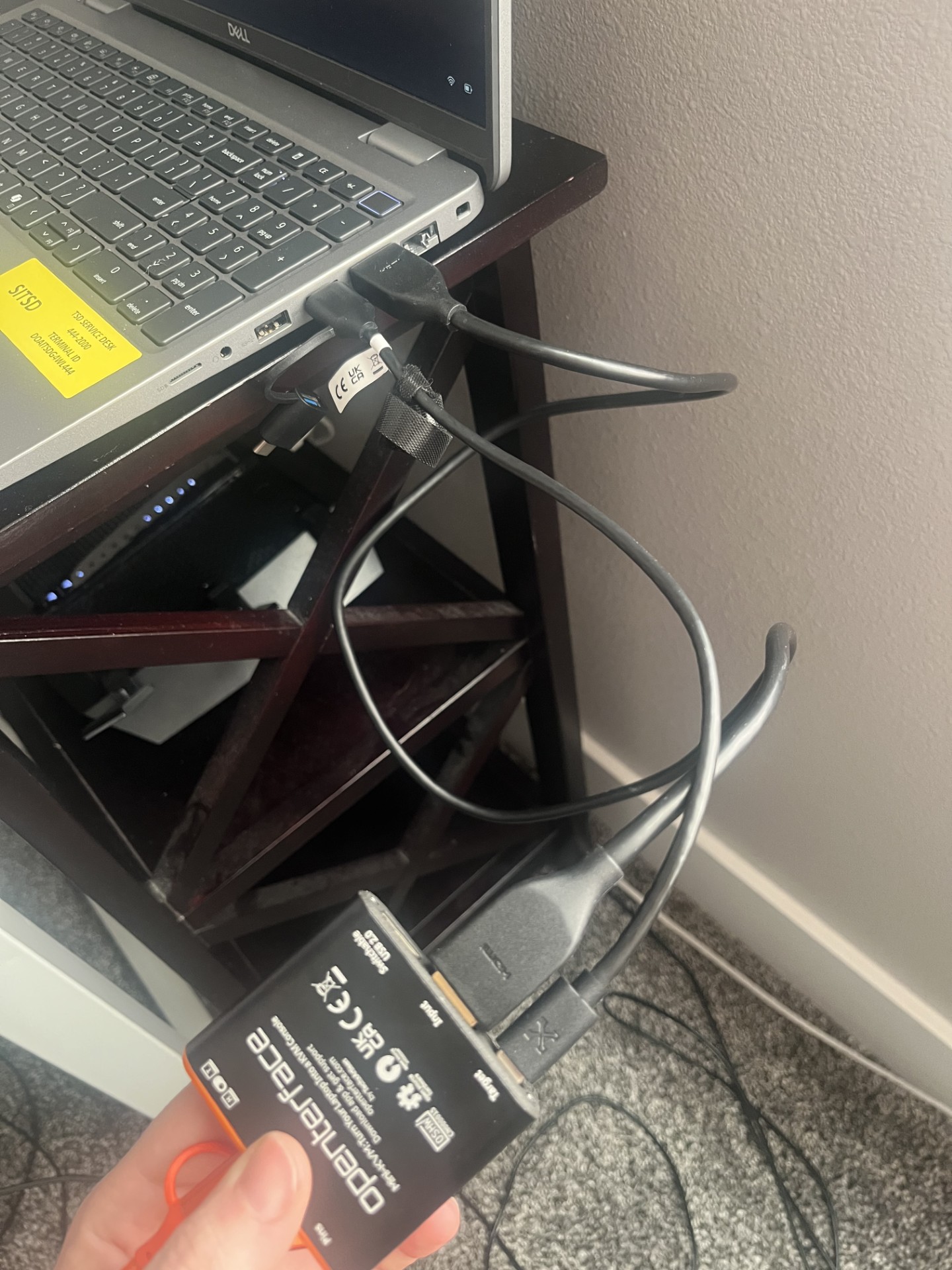
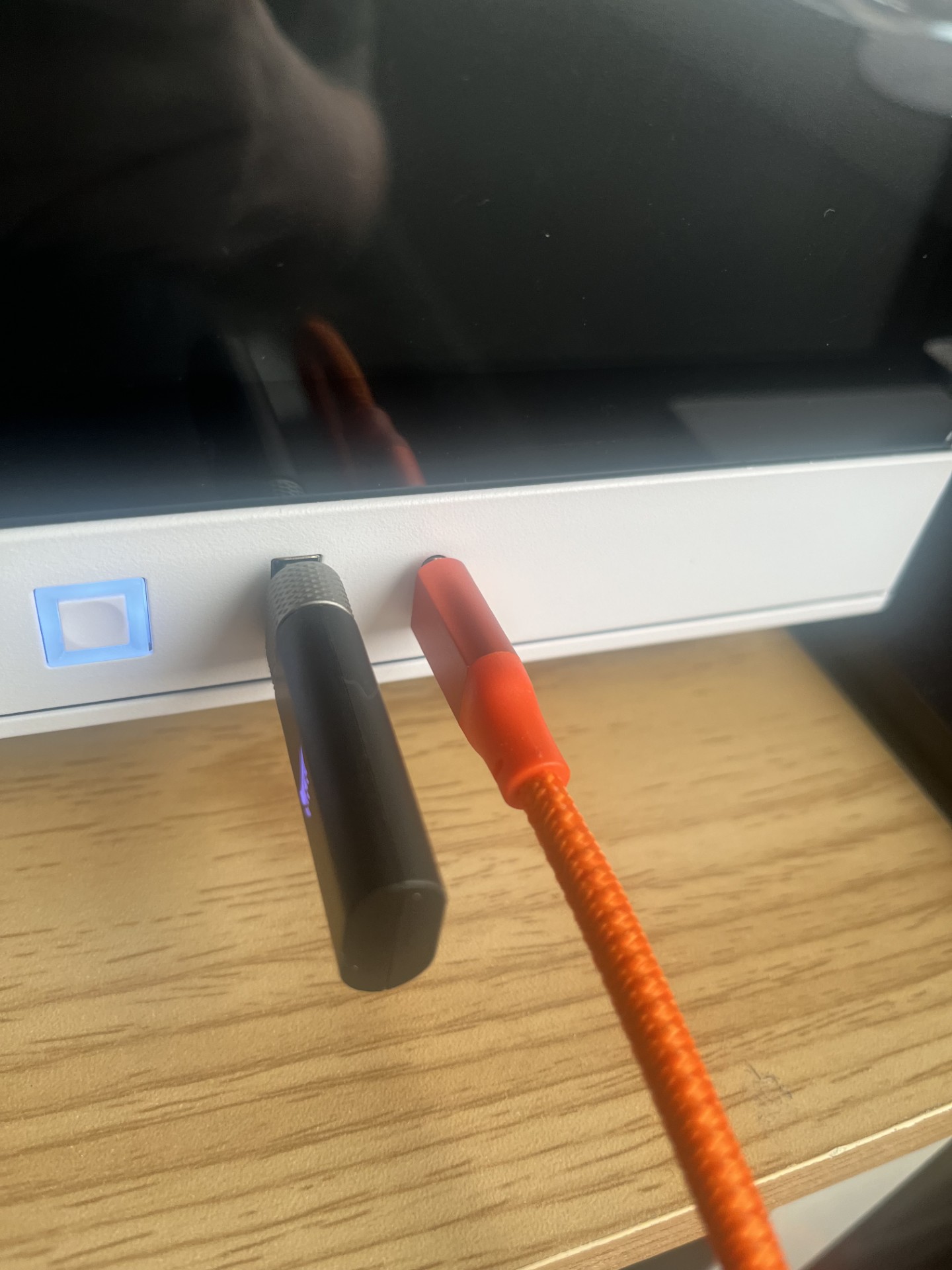
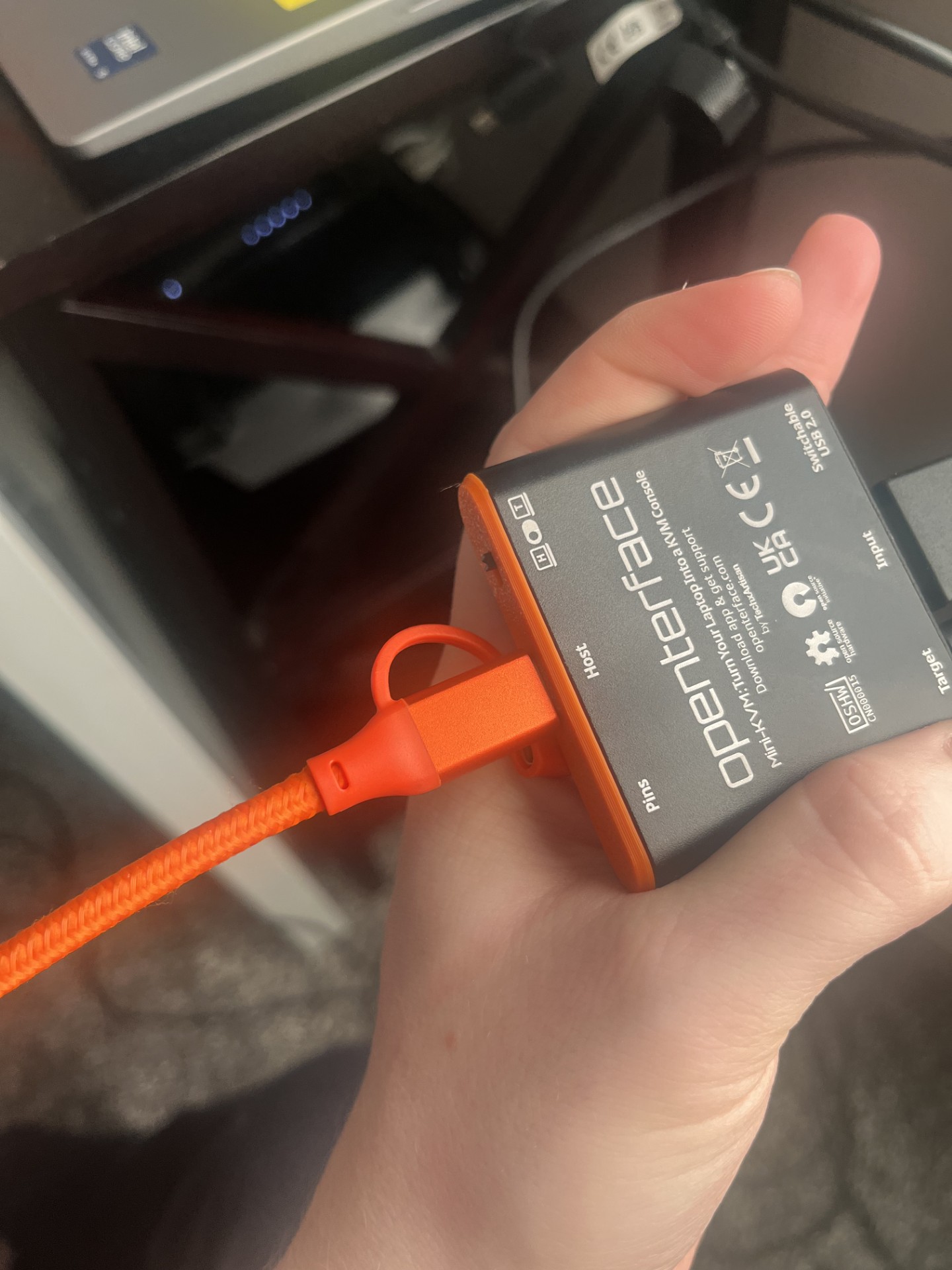
Can you take a picture of your setup? What host device are you using, and what device you’re trying to connect to.
Gibby
July 8, 2026, 5:21am
4
Originally posted by Selcouth on Discord, 21 November 2025.
I’m using a Windows 11 PC to a Windows 11 laptop
Gibby
July 8, 2026, 5:21am
5
Originally posted by Selcouth on Discord, 21 November 2025.
I’ve tried different cables as well as a different host/target
Gibby
July 8, 2026, 5:21am
6
Originally posted by Selcouth on Discord, 21 November 2025.
It’s capturing the inputs from the host devices, but nothing is being transmitted to the target
Gibby
July 8, 2026, 5:21am
7
Originally posted by Selcouth on Discord, 21 November 2025.
Video is working fine, just no control via KB/M
Gibby
July 8, 2026, 5:21am
8
Originally posted by iker on Discord, 21 November 2025.
Could you try version 0.3.19?
Gibby
July 8, 2026, 5:21am
10
Originally posted by Virtual-Potato on Discord, 21 November 2025.
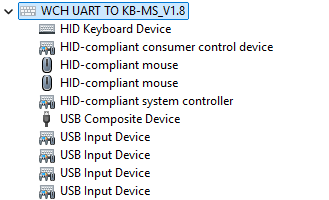
May need to do some troubleshooting. Can you unplug that USB cable connected to the laptop, open up device manager on the laptop, and see if it enumerates something when you plug in the USB cable between the “target” port and the laptop?
Gibby
July 8, 2026, 5:21am
13
Originally posted by Virtual-Potato on Discord, 21 November 2025.
what might be helpful is to change the “view” in device manager to “Devices by Container”
Gibby
July 8, 2026, 5:21am
14
Originally posted by Selcouth on Discord, 21 November 2025.
HID:
Keyboards:
USB Controllers:
Gibby
July 8, 2026, 5:21am
15
Originally posted by Virtual-Potato on Discord, 21 November 2025.
I assume after you do that, it’d show something like this
Gibby
July 8, 2026, 5:21am
16
Originally posted by Selcouth on Discord, 21 November 2025.
These are what plugging it in adds to device manager
Gibby
July 8, 2026, 5:21am
17
Originally posted by Virtual-Potato on Discord, 22 November 2025.
gotcha - the screenshot I was sharing above was in response to my earlier message btw
Gibby
July 8, 2026, 5:21am
18
Originally posted by Selcouth on Discord, 22 November 2025.
Ahh, thanks! I didn’t even think of that
Gibby
July 8, 2026, 5:21am
19
Originally posted by Kevin Peng on Discord, 22 November 2025.
@Selcouth after you do the factory reset HID, have you unplug the Openterface and reconnect it?
Gibby
July 8, 2026, 5:21am
20
Originally posted by Selcouth on Discord, 22 November 2025.
Yeah, I’ve tried that as well
 on Discord, 21 November 2025.