Hello,
I’d like to use KVM-GO HDMI to connect from my source Win11 notebook to target Win11 low profile notebook.
Questions:
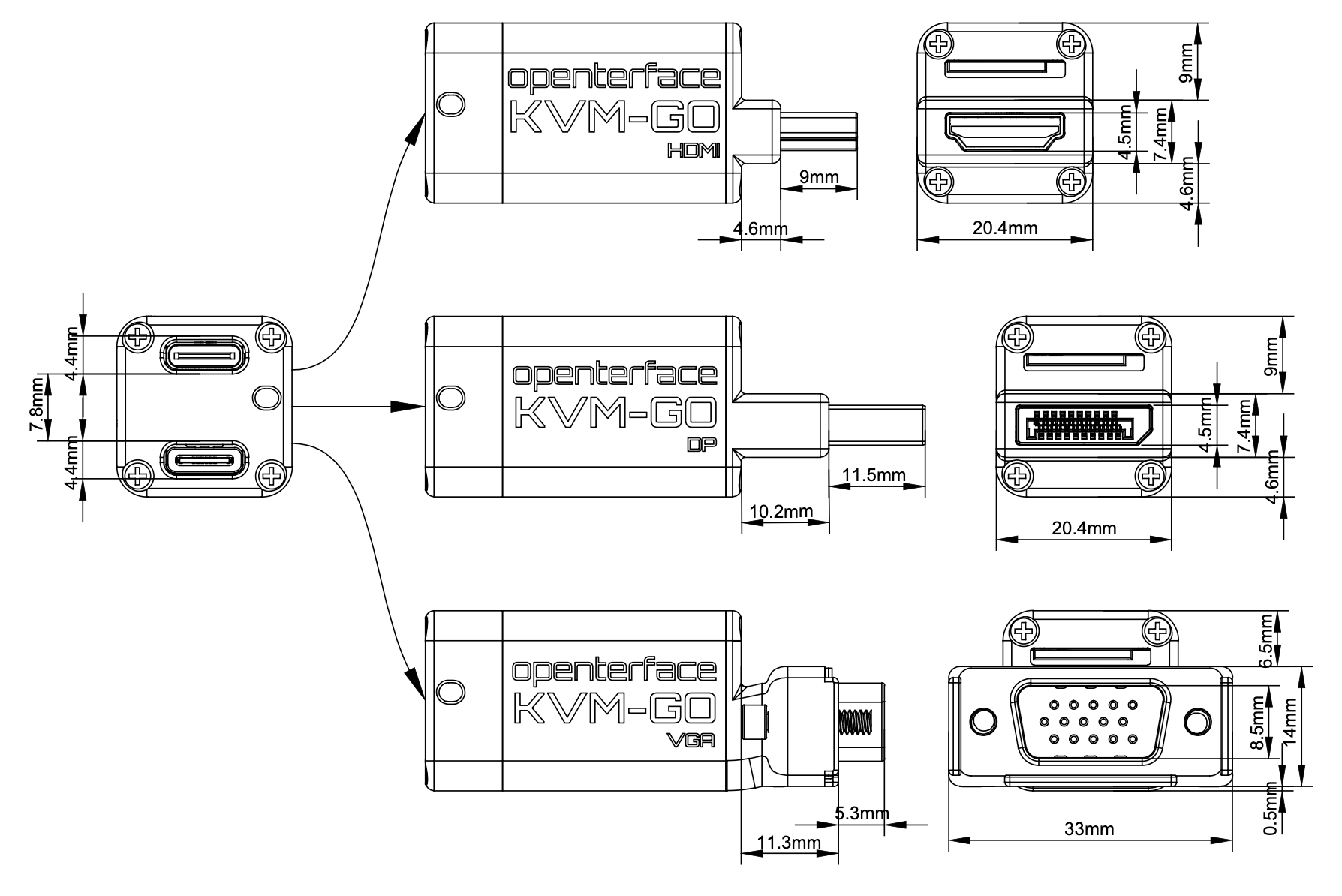
Q1) If KVM-GO HDMI is too high, it will lift the edge of the low profile target notebook when inserted, which will cause mechanical and electrical stress.
For the low profile target notebook I need to connect to, the space between the bottom side of HDMI connector and surface of the desk where it sits is only 6.8mm.
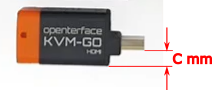
How many millimeters are between bottom side of HDMI connector and bottom of KVM-GO HDMI - on the attached “KVM-GO HDMI dimension C.png” it is denoted as dimension C in millimeters?
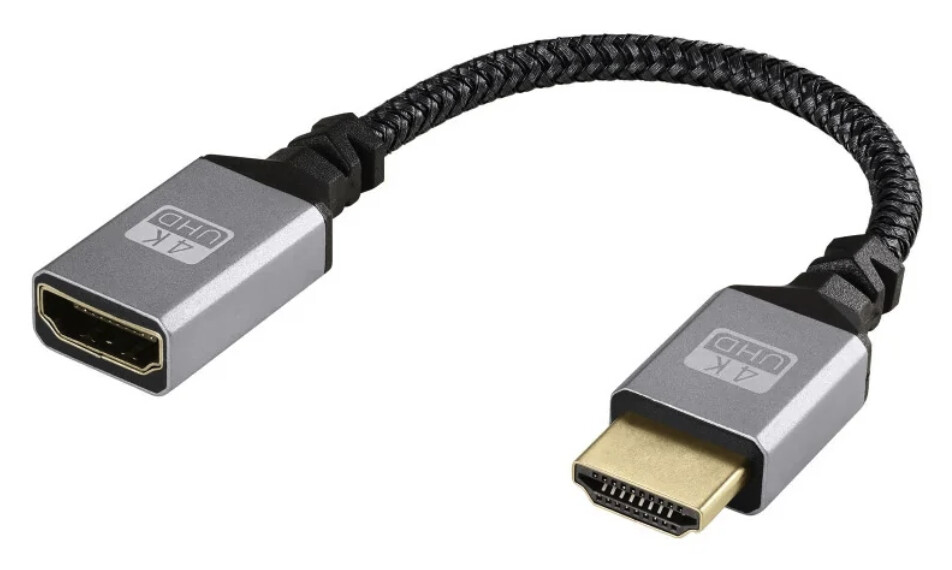
Q2) What to do if dimension C > 6.8mm? Do you provide suitable short HDMI male - HDMI female cable to avoid plugging KVM-GO HDMI directly to the notebook? If not, what workaround do you suggest?
Q3) KVM-Mini due to indirect cable connection seams would solve it, however KVM-GO HDMI supports full HD 60Hz, which is much easier on eyes compared to max. full HD 30Hz offered by KVM-Mini. Despite that is there any reason why to prefer KVM-Mini over KVM-GO HDMI?