[From Discord] [Resolved] Keyboard and Mouse stop working.

Imported from Discord — originally posted by eXsoR on 26 August 2025.
Source: Discord


I just got my open interface today. I plugged it in for the first time and it was working just fine. I have unplugged it from the Target to connect a different target and it stop working.

OS: Fedora 42 (KDE)
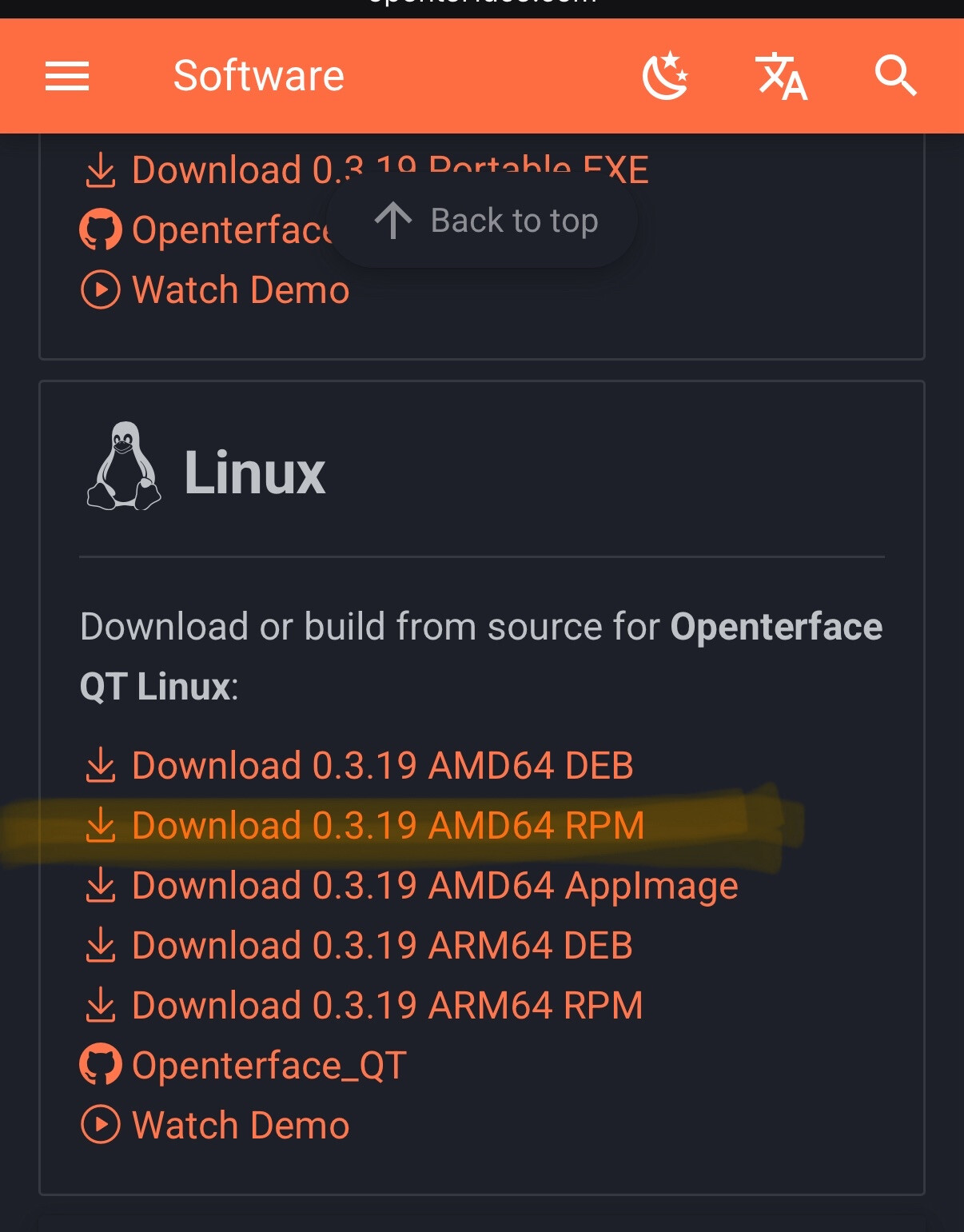
Openinterface App: RPM package version 3.19

I have restarted my computer, updated the Firmware on the Openinterface to 25022713.


Staff: please reply here. When resolved, consider linking back on Discord to drive users to the forum.

Originally posted by eXsoR on Discord, 26 August 2025.

Checking dmsg I’m seeing it segfault:

[Mon Aug 25 20:06:13 2025] usb 3-3.2: new full-speed USB device number 31 using xhci_hcd
[Mon Aug 25 20:06:13 2025] usb 3-3.2: New USB device found, idVendor=1a86, idProduct=7523, bcdDevice= 2.54
[Mon Aug 25 20:06:13 2025] usb 3-3.2: New USB device strings: Mfr=0, Product=2, SerialNumber=0
[Mon Aug 25 20:06:13 2025] usb 3-3.2: Product: USB2.0-Serial
[Mon Aug 25 20:06:13 2025] ch341 3-3.2:1.0: ch341-uart converter detected
[Mon Aug 25 20:06:13 2025] usb 3-3.2: ch341-uart converter now attached to ttyUSB0
[Mon Aug 25 20:17:40 2025] openterfaceQT[34261]: segfault at 5646e8fd14a0 ip 00005646e8fd14a0 sp 00007ffe6dfa9fb8 error 15 likely on CPU 2 (core 12, socket 0)
[Mon Aug 25 20:17:40 2025] Code: 00 00 0a 00 00 00 ff ff ff ff 00 00 00 00 00 00 00 00 00 00 00 00 00 00 00 00 00 00 00 00 00 00 00 00 00 00 00 00 00 00 00 00 <00> 69 6e 75 78 2f 76 69 11 04 00 00 00 00 00 00 20 6b 1f c1 36 7f

Originally posted by eXsoR on Discord, 26 August 2025.

Any help would be greatly appreciated.

Originally posted by eXsoR on Discord, 26 August 2025.

And forget to mention that the Serial Port Debug console is outputting events.

Originally posted by Kevin Peng on Discord, 26 August 2025.

are you using flatpak version?or Rex’s version?

Originally posted by eXsoR on Discord, 26 August 2025.

RPM package

Originally posted by eXsoR on Discord, 26 August 2025.

Originally posted by Kevin Peng on Discord, 26 August 2025.

I see the issue, the RPM package works at some older version Fedora, because we found the latest Fedora force to upgrade to ffmpeg 7.#.#, but our build not yet support the version 7 ffmpeg yet, I suggest you use the web version openterface viewer to test the functionality before we fix the build

Originally posted by Kevin Peng on Discord, 26 August 2025.

We will try our best to fix our app to support the newer ffmpeg in Fedora

Originally posted by eXsoR on Discord, 26 August 2025.

No problem, can you point me to where I can find the web version?

Originally posted by Kevin Peng on Discord, 26 August 2025.

Openterface Viewer
A webviewer for the open-source kvm openterface.

Originally posted by Kevin Peng on Discord, 26 August 2025.

This is the web version, you can just open the link and control the target device, the drawback is require network connection

Originally posted by eXsoR on Discord, 26 August 2025.

I just tested it via the web as suggested and its also not working. It looks to me that its not sending the mouse or keybaord events to the target device.

Originally posted by eXsoR on Discord, 26 August 2025.

okay tested on a Mac MacOS 15.5 and I have the same issue. I’m going to test with a difrent cable.

Originally posted by eXsoR on Discord, 26 August 2025.

I got it working by factory resetting the serical port.

Originally posted by eXsoR on Discord, 26 August 2025.

Yup its working on Both MacOS and Fedora 42 now using the native app and web. :grinning_face_with_smiling_eyes:

Originally posted by eXsoR on Discord, 27 August 2025.

[Resolved] Keyboard and Mouse stop working.

Originally posted by Walter Rogers (WX) on Discord, 27 August 2025.

Been following your thread regarding Fedora 42 kde where I’m running openterface v 0.3.19.203. Noted same behavior where keyboard and mouse were not working. It worked once or twice intermittently, but mostly was inoperative. Your solution to reset the serial port via the menu item in Openterface seems to work Menu->Advance->Reset Serial Port. Confirmed this working with my Raspberry pi 3 and a NUC mini PC. Thanks!
Originally posted by eXsoR on Discord, 27 August 2025.

Glad that it also help you! :+1:

Originally posted by Walter Rogers (WX) on Discord, 28 August 2025.

BTW, I was using the Flatpak version 0.3.19.203