Imported from Discord — originally posted by fLuXxY on 4 May 2025.
Source: Discord
So I’m having a weird issue.
I’m running Linux (OpenSUSE Tumbleweed) running the rpm package downloaded off the main website as of 2025-05-02.
The KVM works fine when the target is booted into an OS (Exception being I can’t send the meta/win key.) However, it doesn’t appear to be sending anything when at UEFI or GRUB—At least the target doesn’t respond, but plugging in a different USB keyboard and pressing a key works.
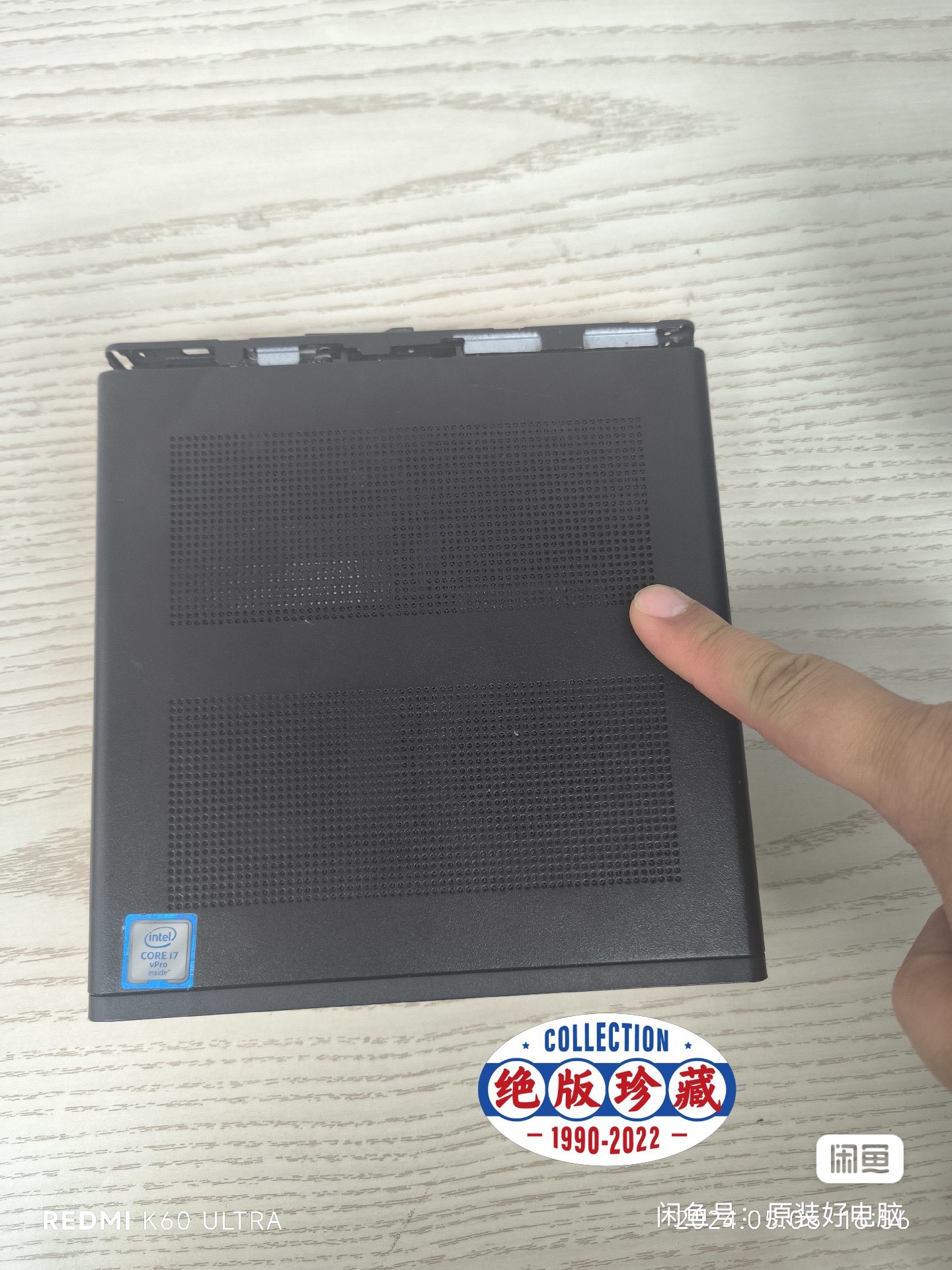
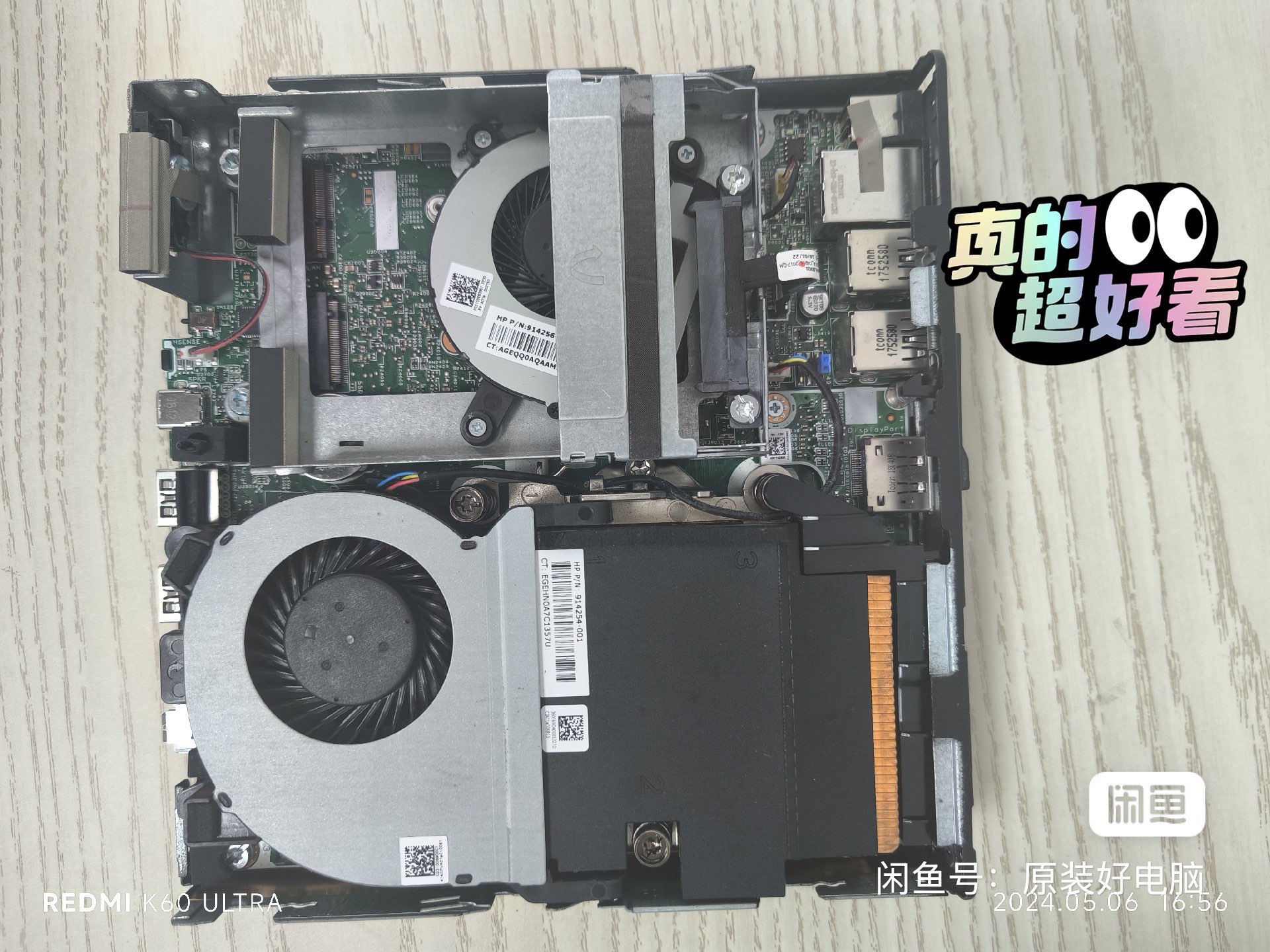
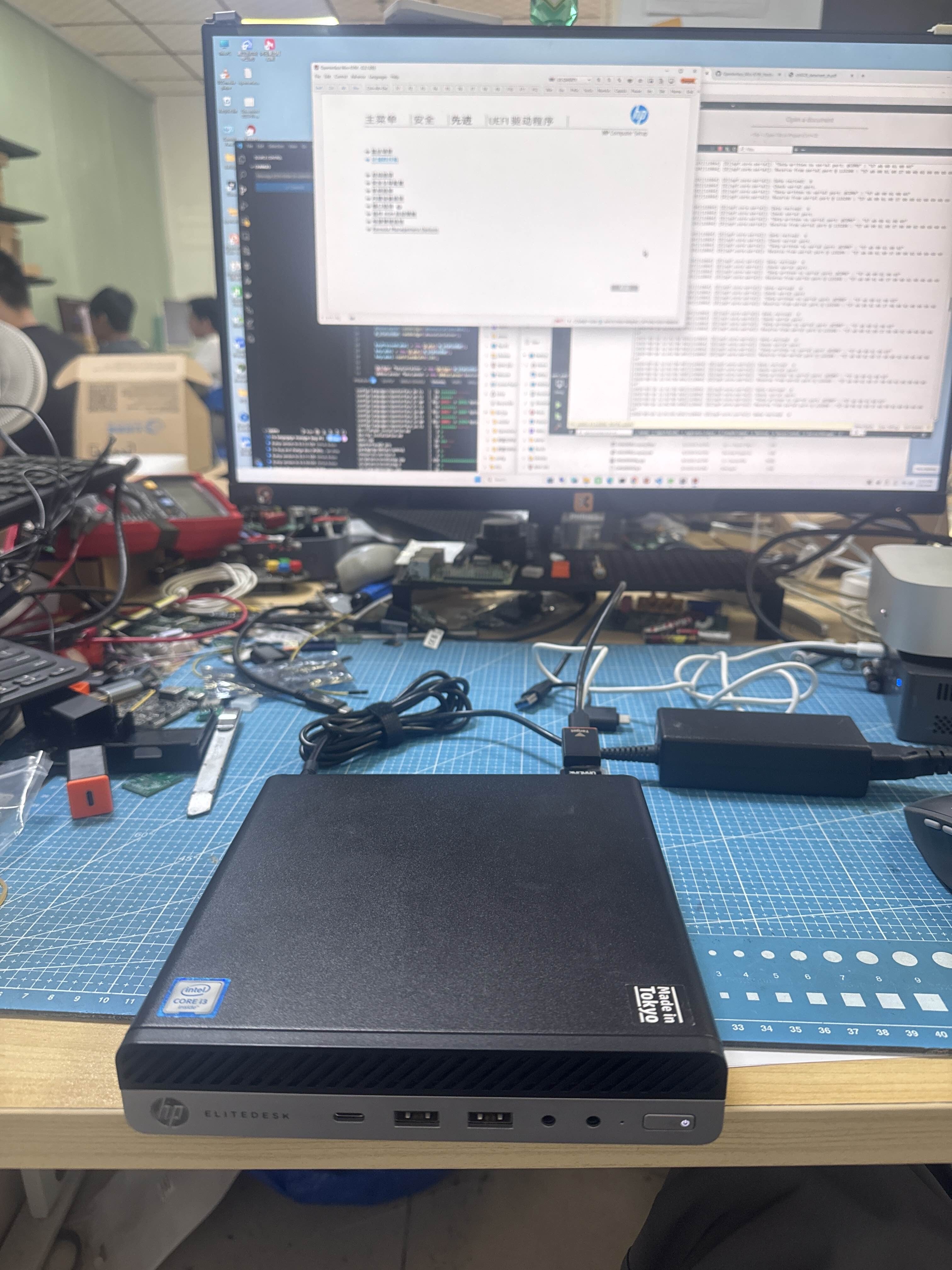
The Target is in my case an HP EliteDesk 800 G3 Mini-PC.
Anyone know what might be going on?
Staff: please reply here. When resolved, consider linking back on Discord to drive users to the forum.
Originally posted by Kevin Peng on Discord, 4 May 2025.
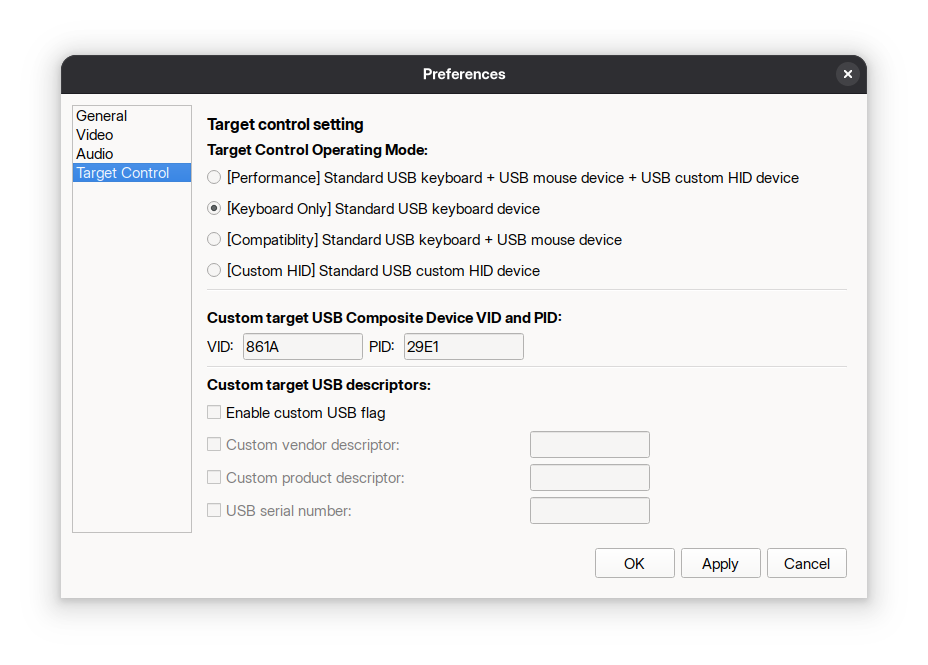
@fLuXxY the reason that KVM not working in UEFI or GRUB environment likely because your motherboard doesn’t support the composite USB device, so your USB port can only work as keyboard only or mouse only. You can switch the keyboard mode only in QT version Preference-> Target Control, then you may likely be able to control by keyboard before OS loaded.
Keyboard control NOT working at the BIOS level · Issue #184 · Tec…
This is also noted in your FAQ under “Why doesn’t the keyboard control work at the BIOS level for some older target computers?” Just got my Mini-KVM and plugged it into my old hanger …
Originally posted by fLuXxY on Discord, 4 May 2025.
@Kevin Peng I hadn’t seen this github issue before when trying to google. Apologies.
I tried switching the target control to keyboard mode as you suggested, and it appears to have had no effect. I also proceeded to try the advanced > factory reset HID chip afterwards, as well. Still no effect.
Is this a target motherboard issue, or host motherboard issue?
Originally posted by Kevin Peng on Discord, 16 May 2025.
I got the second hand Elitedesk and be able to reproduce the keyboard not working problem.
Good news is that I found the relative mouse is working, but keyboard still not idea
Originally posted by Kevin Peng on Discord, 16 May 2025.
And I also tried use other chip keyboard mouse emulation, and successfully drive the keyboards and mouse together, I think I need some time to find out what hid is supported in the bios stage and make it work in CH9329
Originally posted by Kevin Peng on Discord, 27 June 2025.
I built a new hardware dongle which can plug into the extension pins. It can support another simple keyboard and mouse endpoint emulation, it works well in my testing tool.