Sometimes the text you need to enter on a target computer is simply too long to type manually. It might be a code snippet, a configuration block, or a sequence of commands you use repeatedly.
In this demo, we prepared more than 3,800 characters of code in KeyCmd and sent the entire block from a phone to a computer through KeyMod.
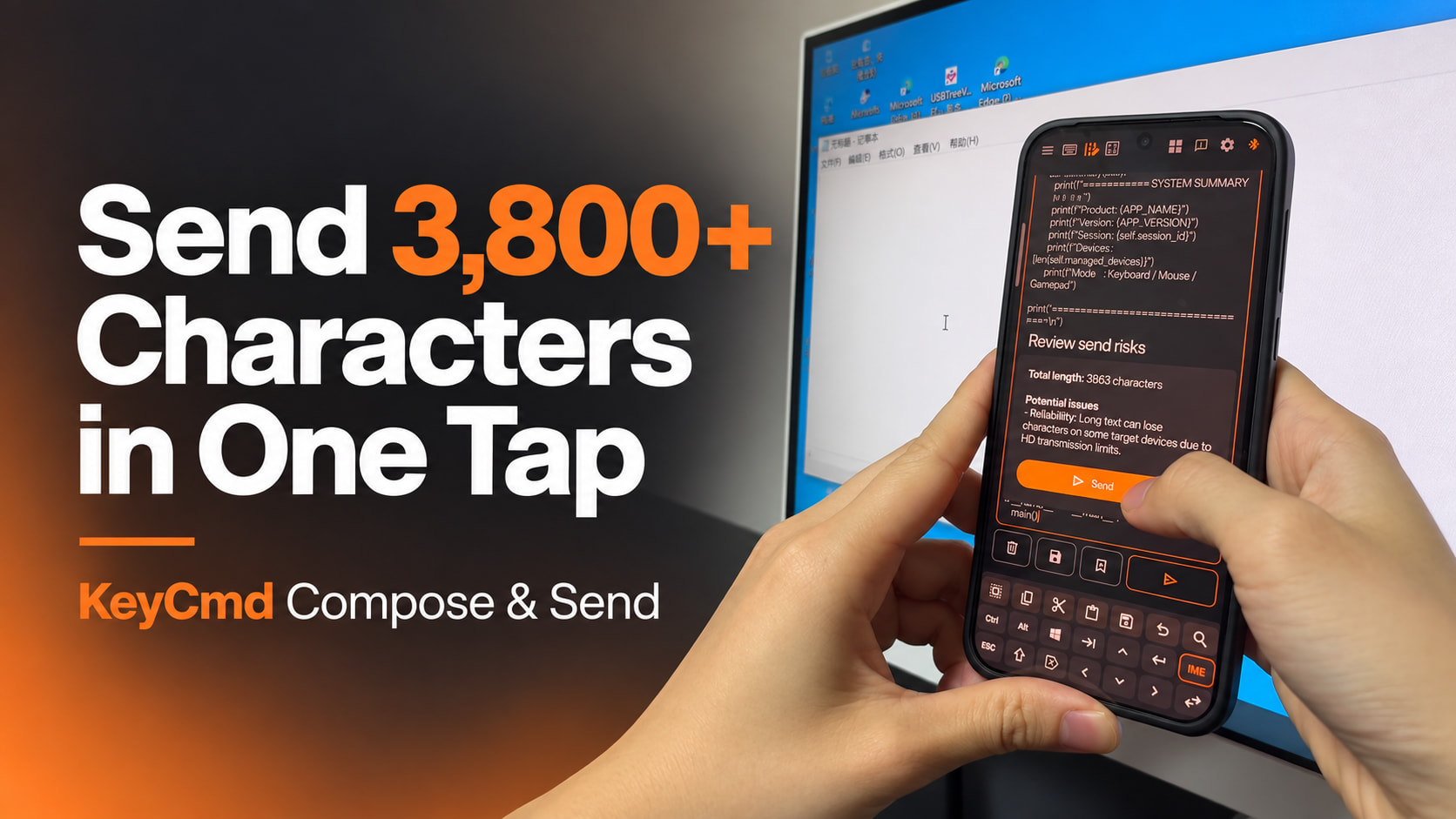
Watch the full demonstration:
https://www.instagram.com/p/DYxDWI5JQpw/
How It Works
-
Connect KeyMod to the target computer.
-
Pair KeyMod with the KeyCmd app on your phone.
-
Open Compose & Send and prepare the text you want to send.
-
Place the cursor in the correct input field on the target computer.
-
Tap Send in KeyCmd.
KeyMod delivers the content as standard HID keyboard input. The target computer receives it just as if it were being typed from a physical keyboard.
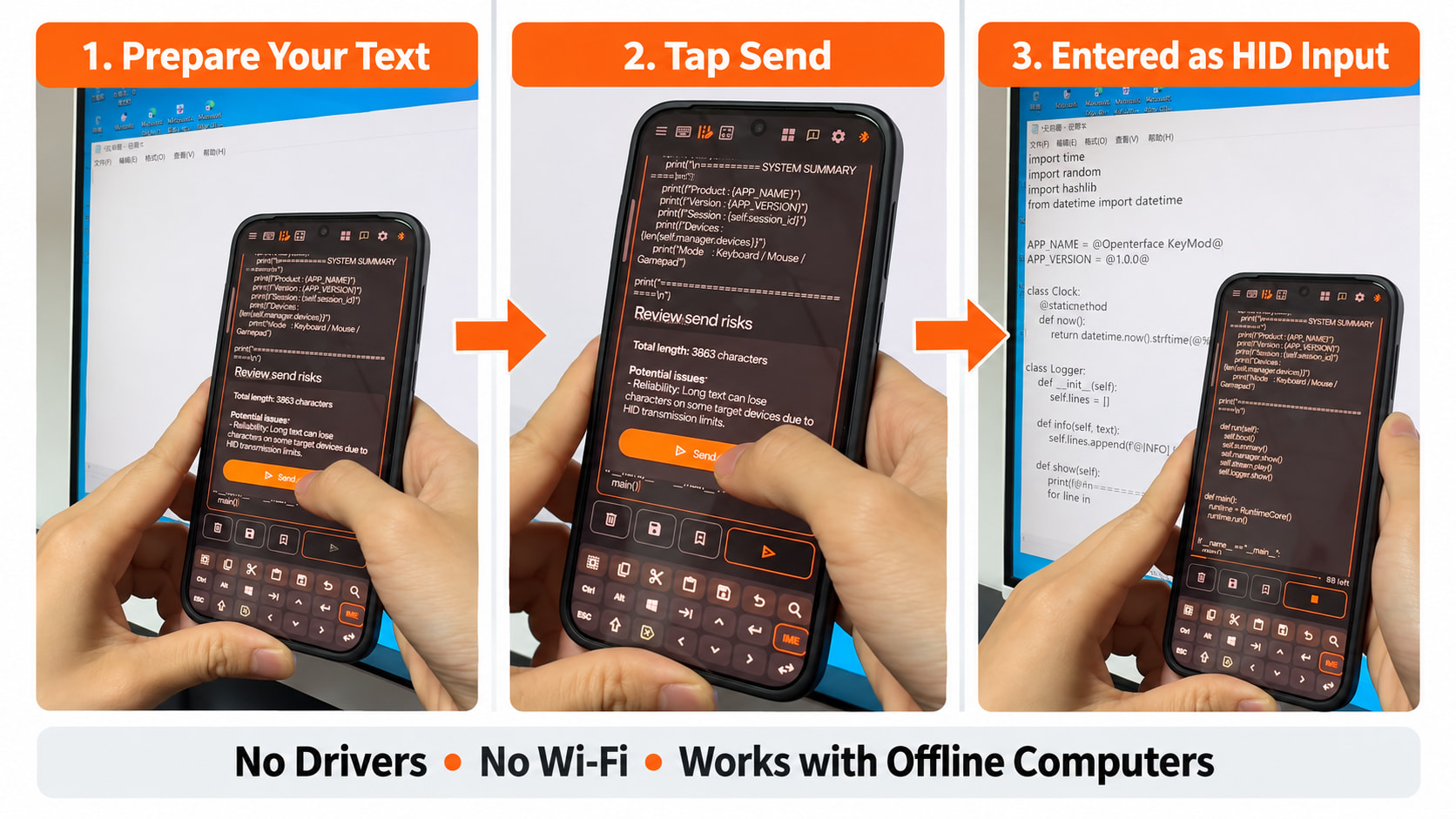
This can be especially useful when working with offline servers, restricted computers, or other systems where clipboard sharing, cloud services, and file transfers are unavailable. No driver or Wi-Fi connection is required on the target computer.
Compose & Send can be used for:
-
Long code snippets
-
Configuration blocks
-
Repeated commands
-
Setup instructions
-
Other text that would be inconvenient to type manually
Before sending a long block of text, make sure the correct input field is selected and that the keyboard layout on the target computer is compatible. If you are sending commands or code, review the text before running it. Compose & Send enters the content but does not execute it automatically.