Imported from Discord — originally posted by Jayy on 21 May 2026.
Source: Discord
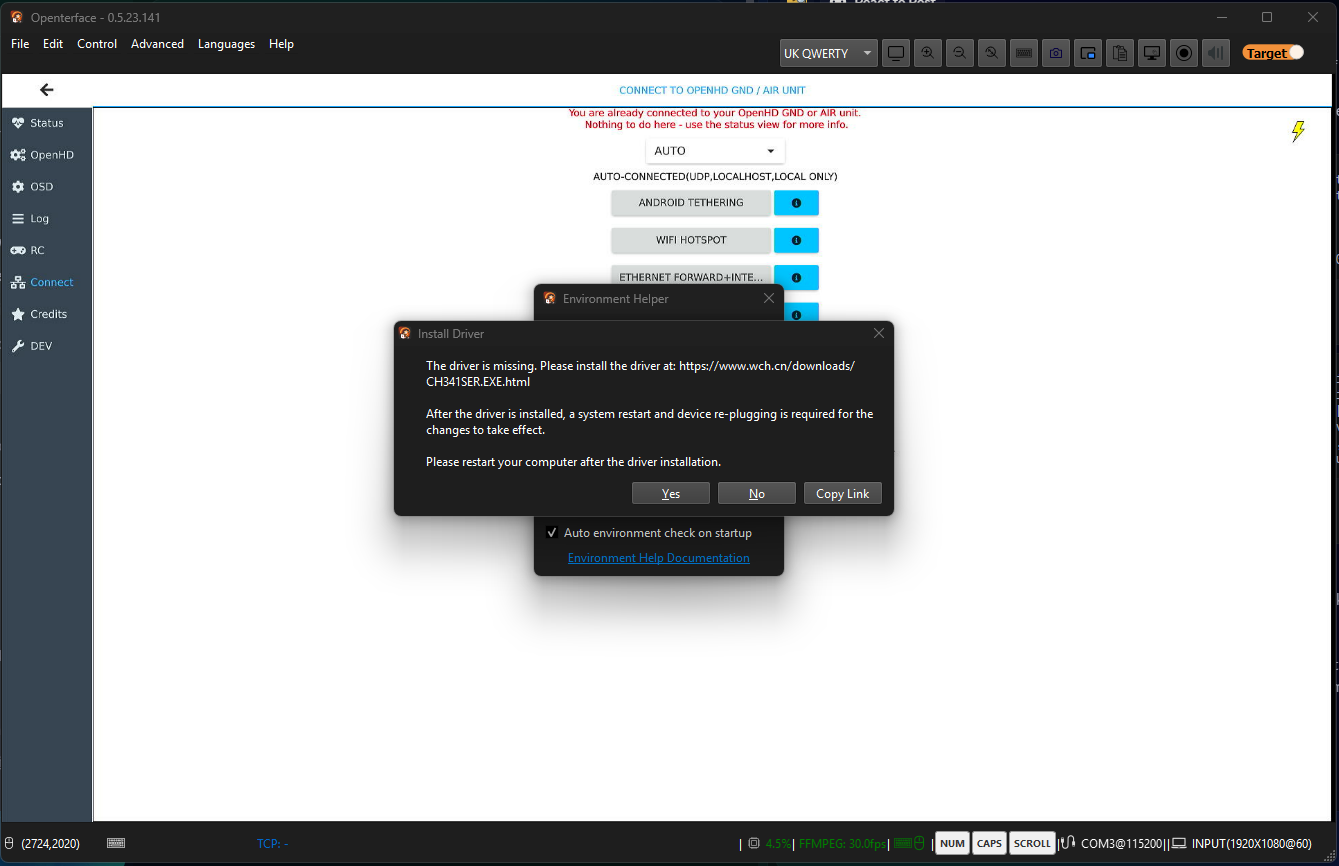
Hi, I either have an issue with the drivers or there’s a bug within Openterface’s app itself.
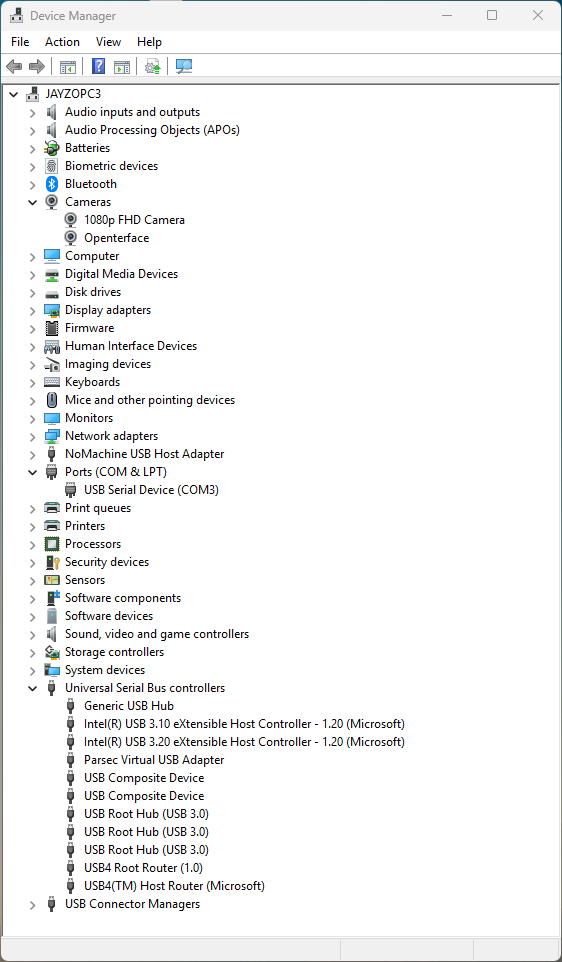
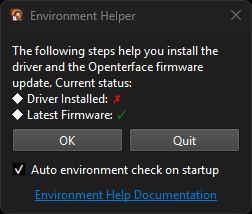
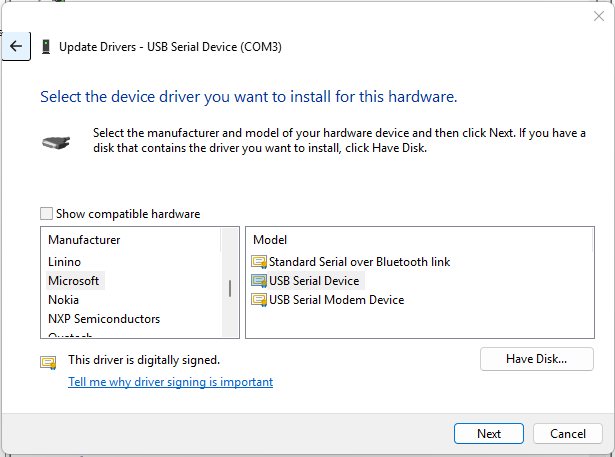
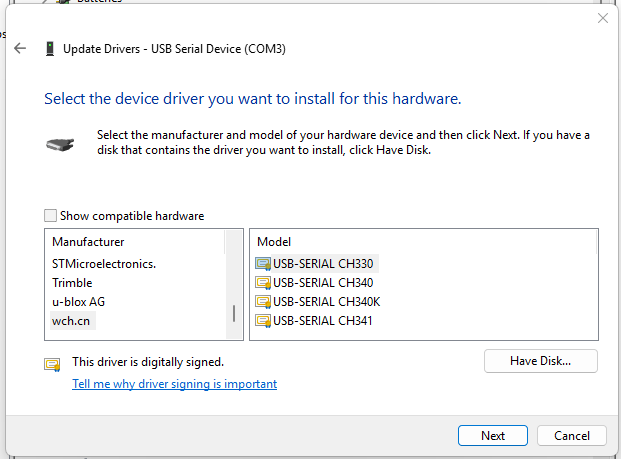
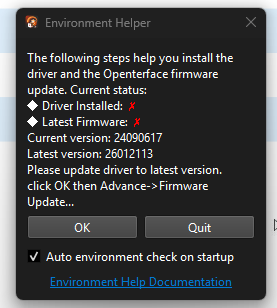
I keep getting the error about the CH341 drivers not being installed when I know for sure they are as I have other devices that use this chip. I can see them listed in the list of installed devices, but no matter which driver I use, the error message shows and the mouse and keyboard don’t work. I can, however, use a Microsoft USB Serial driver and mouse and keyboard do work, but I still get the error about the CH341 driver showing up. I’m also trying to update the firmware and it says it updates successfully, but shows me the current firmware is older and that a new one is available.
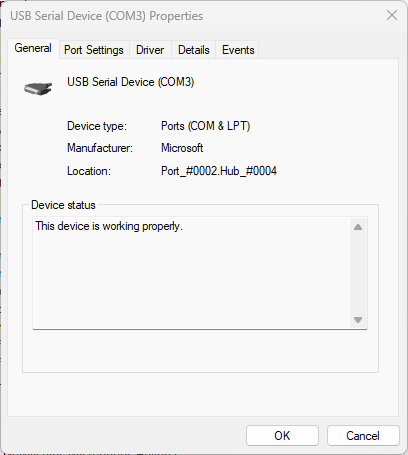
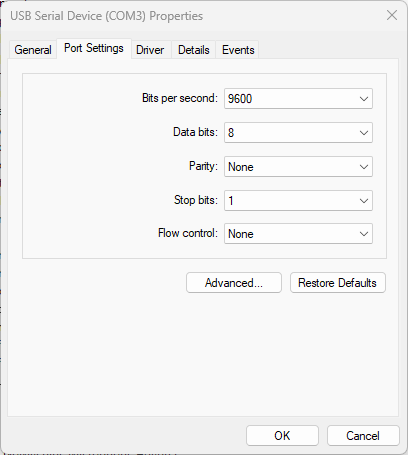
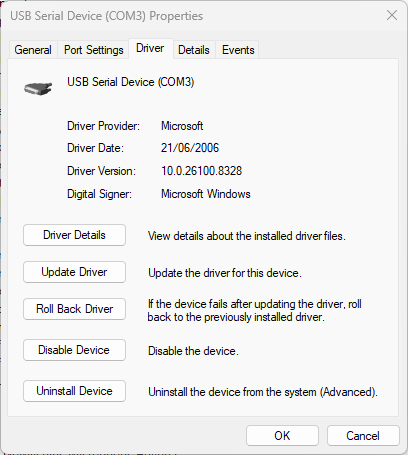
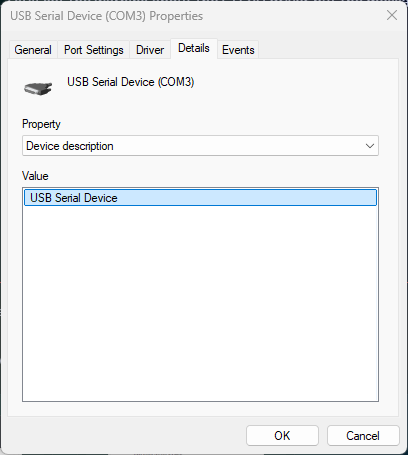
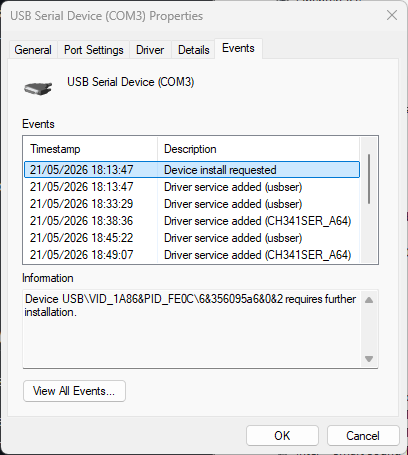
I’ve attached screenshots showing the errors in question and the devices being recognised by Windows. I’ve also showed the Microsoft driver that the Openterface partially works with, and proof it works with the Microsoft Driver.
I presume you’re checking for specifically the CH341 driver? If it works with this Microsoft driver it might be worth checking if this Microsoft driver is being used instead.
Originally posted by Jayy on Discord, 21 May 2026.
Some additional info: This is the message under the CH341 driver message. You can see it shows the current firmware that I “updated” to doesn’t match the most recent despite it saying it updated successfully every time I try.
Originally posted by Jayy on Discord, 21 May 2026.
I did notice something different since I’ve come back. I still get the warning about the CH341 driver but the message under it now recognises the Openterface does have the latest firmware
Originally posted by Jayy on Discord, 22 May 2026.
Here’s all the tabs. In this state with this driver everything appears to work, but because it’s not the CH341 driver which doesn’t work, the app thinks the driver isn’t installed. I can switch to the actual CH341 (or other CH3xx drivers I have) too if you need screenshots of it not working with them?
Originally posted by Virtual-Potato on Discord, 22 May 2026.
Gotcha, I just gave your original post a re-read, and now I think I understand what I missed initially. Seems like you’re saying that you’re not having issues with functionality when it comes to mouse / keyboard, just that the environment helper dialog is claiming that the driver isn’t installed?
Originally posted by Jayy on Discord, 22 May 2026.
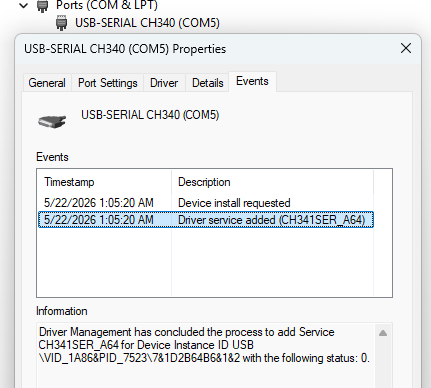
Yeah, it’s working with the Microsoft driver just with the environment helper claiming the driver isn’t installed. If I use Device Manager to change the driver to specifically use the CH341 driver the keyboard and mouse functionality doesn’t work, though. I tried those other CH3xxx drivers too just in case as I saw CH340 in the docs and not CH341
Originally posted by ianchow on Discord, 22 May 2026.
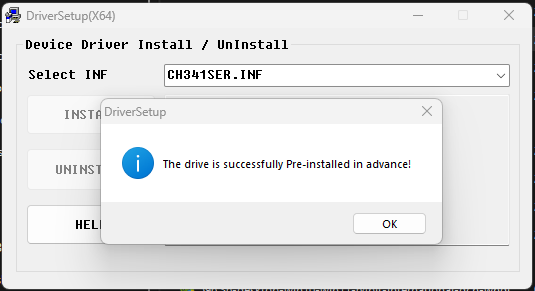
Nanjing Qinheng Microelectronics Co., Ltd. have a try with this uninstall first then reinstall dirver
And restart the machine, unplug minikvm then plug in again it seems windows cache.
Originally posted by Jayy on Discord, 23 May 2026.
Ok, I tried that and nothing changed. I completely removed original CH3xx drivers and used that installer and Windows is still defaulting to its driver, and Openterface is not recognising the existence of the CH340 drivers regardless of what driver the serial device is using, and the built-in Microsoft device is the only one that works.
I tried booting Ubuntu of an SSD that I made for testing Openterface just runs with Ubuntu’s default drivers (after adding my user to dialout) and the Linux app’s environment checker passed, so I know this is a Windows issue for sure, which I’m not surprised about. I’m wondering though, does the app specifically check for the WCH driver? It seems to work with Microsoft’s USB serial driver so might it be worth having the app accept this driver instead?
on 21 May 2026.


 on Discord, 21 May 2026.